

Overview
Users increasingly find themselves having to upload the same information to websites: their logo, socials, backdrops, company descriptions and more. Brand.dev’s brand endpoint simplifies this process by enabling you to intelligently pre-fetch customer information and brand assets. We’ll walk through the system design and best practices for this implementation, along with some examples.Prerequisites
- A Brand.dev API key
- An existing customer onboarding flow
Concept
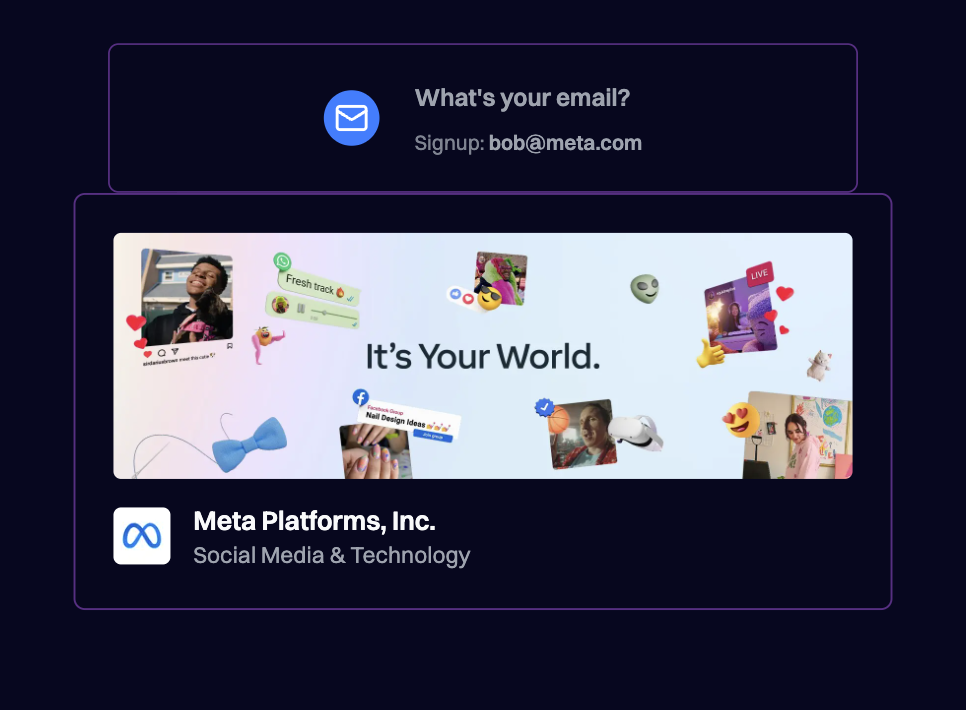
Brand.dev fetches company information from many sources based on the customer domain name or email.Architecture
1. Collecting User Domain/Email
Brand.dev fetches company information from many sources. Responses are returned instantly if cached, if not data may take longer than 10 seconds to retrieve. This is why passing the domain/email as early as possible is crucial. Theprefetch utility endpoint tells brand.dev to start fetching data early on so that the brand data can be returned to the user as fast as possible. This operation does not cost any API credits, so there is no loss if the customer doesn’t create an account. You are only charged once you actually fetch the brand data.
The prefetch by email endpoint will also return an error if the email is
disposable or a personal address (@gmail.com, @yahoo.com, etc.)
2. Signup Process Flow
Since it may take a few seconds for the API to respond (especially with SSO) it’s important to organize your onboarding flow so that there are fallbacks if data isn’t available or if data couldn’t be fetched. You should also try to push fields that can be pre-filled to further steps in the onboarding. For example if your onboarding flow requires the user organization’s logo, description, company role and social media links you may want to organize your onboarding questions as follows:- User’s Role at Company - This information is not available with the
/brandendpoint. Placing this first allows more time for Brand.dev to fetch the data for cold hits, while providing the user a better experience. - Logo - Is available via the brand endpoint, relatively quick for the user to actually upload themselves
- Description - Is available via the brand endpoint, takes more effort for the user to write and thus is better if pre-filled by Brand.dev
- Social Media Links - Is available via the brand endpoint, but is an optional step in your form
3. Call the Brand endpoint
In the example above you should call the brand endpoint just before the brand information is required (in the example above this would be during step one). This allows the information in a multi-step form to be pre-filled in the next step, without incurring unused API charges. You should never overwrite a user’s choice or existing text if the brand data becomes available while the user is on that step.Reducing Costs You could call the brand API later on in the multi-step
onboarding form, after some users have dropped off of the funnel. The tradeoff is a longer onboarding. You should still call the prefetch endpoint as soon as possible as that does not cost any credits.4. Image Selection
For images such as logos or backdrops, select an image based on themode enum field and aspect ratio. Then provide the additional options for the user to switch to.
Understand where the images are being used. If you display the user company logo in the top left of your app for aesthetics, it’s probably ok to automatically pick an image from the logos and assume it is correct. In this case if the user prefers a different logo version, they can go into your app settings and change it.
However, if the information is displayed publicly (such as on a public profile) you should select a default option and provide the other options for the user to choose from allowing them to confirm their brand’s external image.
Best Practices
1. Don’t Secretly Select Brand Data for Users
You shouldn’t assume the Brand.dev information is 100% correct. If information (logos, links, descriptions) are being displayed to the user or other users, you should always let them correct or modify it. If the data is only being used for internally for analytics or not displayed to any other users it is ok to assume the data is correct.
2. Always Provide Fallbacks
Always fall back to a default logo, color, and company name when brand data is missing to ensure a consistent UX. Show loading skeletons while fetching, render the branded UI when data is available, and fall back to a generic UI if no brand is found.
3. Skip Free Email Providers
Skip attempts to enrich personal/free email providers (e.g., Gmail, Yahoo, Hotmail) and show a generic UI instead to avoid edge cases and inaccurate results.
You can use the prefetch-by-email endpoint to automatically detect over 10K+ free + disposable email providers.
Related Resources
Core Concepts
Understanding brand data structure
Prefetch by Email
Optimize performance with prefetching
Lead Enrichment
Enrich CRM data automatically
API Reference
Browse all endpoints